 superbrickGet the app ↗
Record the torso before assigning a character
Take a clear front photo and a back photo. Note the plastic color, arm and hand colors, and distinctive printed details such as a badge, belt, zipper or chest panel. Describe what is visible before guessing a character or theme.
Keep the distinction between the torso body and the assembled torso with arms and hands. A matching chest print does not establish that the current arms and hands are the expected combination.
A catalog example: follow the printed assembly
BrickLink’s sw0636 inventory lists the torso assembly 973pb1804c01 with black arms and black hands. Its corresponding catalog relationship points back to that Darth Vader figure. This gives you a concrete trail: visible print, torso assembly, then complete-figure inventory.
Matching that torso does not establish the head, helmet, cape or legs. Compare those separately before identifying a complete figure. Catalog references can be corrected over time, so use the linked inventory when checking a real item.
Build a useful search description
| Observation | Example description |
|---|---|
| Base plastic | Black torso, rather than simply “dark shirt.” |
| Main printed feature | Chest control panel, suit lapels, armor or a uniform badge. |
| Small distinctive details | Belt design, buttons, pocket shape or print on the back. |
| Assembly | Arm and hand colors, kept separate from the torso print. |
Follow the part to candidate figures
- Find candidate printed torsos in a catalog using the visible features.
- Compare the front and back artwork and the plastic color.
- Check whether the entry describes a bare torso or an assembly with arms and hands.
- Open the catalog relationships for the matched entry to find candidate minifigures.
- Compare each complete figure with the other pieces you actually own. Leave the result unresolved if none fits.
Use Superbrick when you have a complete figure
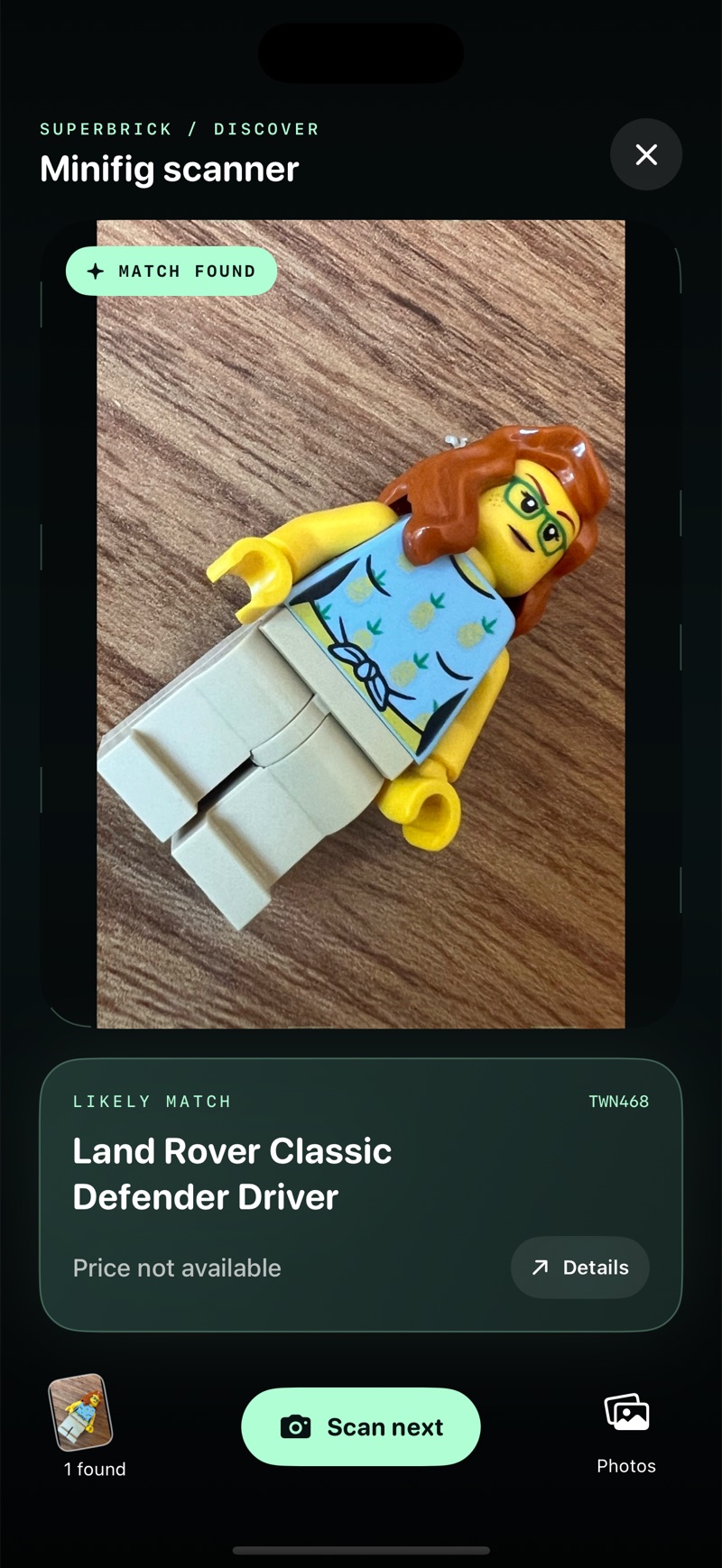
Superbrick’s photo-identification walkthrough is for a visible complete minifigure. This page does not promise that the app identifies an isolated torso or inventories arbitrary loose parts.
Once you have a complete figure to compare, take a clear photo, review the candidate and confirm the details before adding it. If the torso belongs to a mixed-parts figure, keep that uncertainty instead of assigning a complete-figure identity just to obtain a price.
Questions collectors ask
Does a matching torso identify the whole minifigure?
No. Compare the expected head, legs, hair or helmet and other components. A torso can be a useful lead without establishing the complete figure.
Can I scan a loose torso on this website?
No. This is a manual catalog checklist. Superbrick’s supported photo workflow takes place in the iPhone or iPad app with a complete figure.
Should I value an incomplete torso as the complete figure?
No. A complete-figure reference describes a different item. Identify the actual component and use a suitable reference if you intend to value it.
Sources & references
Catalog and identification references checked for this guide. These links are not current price quotes. Checked on 6 November 2026.